What actually changed about AI video editing in 2026
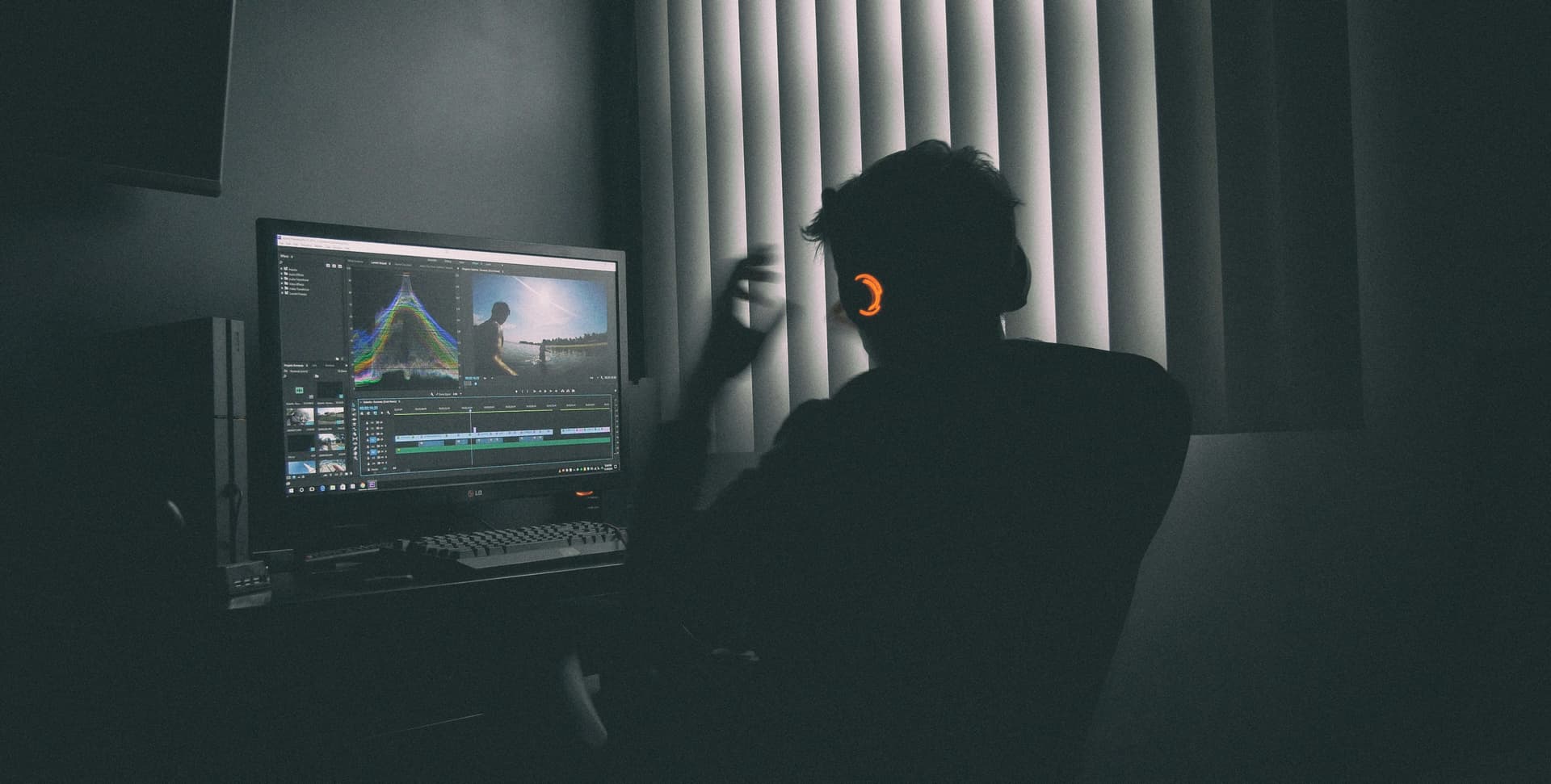
Two years ago, “AI video editor” mostly meant auto-captions and a few filters. Today the category has split into four real workflows, and picking the right tool depends on which one you’re in.
1. AI viral clipping (long video to short clips). Tools like ClipCut, Opus Clip, and Vizard ingest a YouTube URL and return ranked viral-ready short clips. The AI does the editing. You don’t touch a timeline.
2. Text-based editing. Descript and Premiere Pro now let you edit a video by editing its transcript. Delete a word, the video cuts there. This changed podcast and talking-head editing forever.
3. AI generation. Runway, Sora, Veo. Text or image goes in, video comes out. Useful for B-roll and VFX, not really for editing.
4. AI-assisted manual editing. DaVinci Resolve and Premiere added AI features (Magic Mask, AI Enhance Speech, Generative Extend) inside their existing timelines. You still edit, AI handles tedious tasks.
How we tested
We ran each tool through three workflows that match how creators actually work in 2026:
- Clipping test: a 62-minute podcast episode about creator economy. We measured how long it took to ship 5 publish-ready 30-60 sec vertical clips with captions.
- Repurposing test: a 45-min webinar recording. Goal: 8 YouTube Shorts plus 8 LinkedIn vertical clips with branded captions.
- Original content test: a 4-minute talking-head video about pricing. Goal: full edit including B-roll, captions, music, exported in 9:16 and 16:9.
We logged time-to-output, watermark behavior, export quality, and how often the tool’s AI was actually right. The rankings reflect total practical value across these tests, not feature-list size.
The 7 best AI video editors in 2026
ClipCut
AI viral clipping built for one job: turn long videos into short clips that perform. Paste a YouTube URL, get 5-10 ranked viral clips in 2-3 minutes.
Best for:
Creators repurposing long-form content (podcasts, webinars, livestreams) into TikTok, Reels, and Shorts
Pros
- • Fastest workflow on the market: paste URL, done
- • Viral detection ranks clips by predicted performance
- • Auto-captioning, vertical reframing, active speaker tracking included
- • 30-credit free trial, no card, full-power AI infrastructure
- • Zero learning curve, no timeline editor
Cons
- • No manual editor for original content from scratch
- • English-first (other languages supported, but EN is strongest)
Why ClipCut ranked #1
ClipCut wins on speed-to-output. The viral detection engine is purpose-built for short-form, so you skip the 30-45 min find-the-good-moments step that every other AI editor still asks you to do.
Adobe Premiere Pro
The industry-standard timeline editor, now with serious AI features: text-based editing (delete words from the transcript to trim the video), AI Enhance Speech, and Generative Extend.
Best for:
Professional editors, agencies, and freelancers producing client deliverables
Pros
- • Text-based editing is genuinely revolutionary for podcasts/webinars
- • Round-trips with After Effects and Audition
- • Industry-standard, your work is portable to any team
- • Best-in-class color grading and audio tools
Cons
- • Steep learning curve (10-20 hours to get productive)
- • $22.99/mo is the highest price on this list
- • Overkill for short-form clipping workflows
DaVinci Resolve
The free version has the same color grading panel used on Avatar and La La Land. Adds Resolve AI features in the Studio version: Magic Mask, SpeedWarp, Voice Isolation.
Best for:
Original content creators who want professional polish without a subscription
Pros
- • Genuinely free, no watermark, no time limit
- • Hollywood-grade color tools out of the box
- • Cuts, edits, color, audio, and VFX in one app
- • Studio AI features are worth the $295 if you upgrade
Cons
- • Seven workspaces, dense UI, weekend learning investment
- • AI features in free version are limited (Studio for the good stuff)
- • Not built for fast clipping workflows
Descript
Text-based editing for podcasts, talking heads, and tutorials. Edit a video by editing its transcript. AI Studio Sound cleans audio. Overdub clones your voice for re-records.
Best for:
Podcasters, course creators, and YouTubers producing talking-head or interview content
Pros
- • Edit transcript instead of timeline (game-changer for podcasts)
- • AI voice cloning for fixing flubs without re-recording
- • Built-in screen recorder and webcam capture
- • Auto-removal of filler words (uh, um) is excellent
Cons
- • Not great for fast-cut, action-heavy short-form content
- • $24/mo for the watermark-free Creator tier
- • Voice cloning needs 30 min of clean audio to train
Captions.ai
Mobile-first AI editor focused on talking-head shorts. Auto-cropping for vertical, AI eye contact correction, voice-cloning translation, animated captions in 80+ languages.
Best for:
Mobile creators making talking-head shorts (educators, finance bros, lifestyle, motivation)
Pros
- • AI eye contact: makes you look at camera even when reading off-screen
- • Translation with voice cloning: ship one video in 12 languages
- • Caption animation library is the deepest on the list
Cons
- • Mobile-first, desktop experience is weaker
- • Not designed for clipping long-form content
- • Subscription required to remove watermark on commercial use
Runway
Less of a video editor, more of an AI video generator. Gen-4 turns text or images into video. Motion Brush, frame interpolation, green-screen removal, AI inpainting.
Best for:
Designers, motion graphics artists, and creators making AI-generated B-roll or VFX
Pros
- • Best-in-class text-to-video generation (Gen-4)
- • Frame interpolation can save unusable footage
- • AI green screen and inpainting are production-ready
Cons
- • Generation costs credits fast (a 10-sec clip can be $1+)
- • Not really an editor, you'll still need Premiere or DaVinci
- • Output quality varies, expect 3-5 generations to get a usable take
VEED
Browser-based AI editor with auto-subtitles, AI eye contact, AI Avatar, and a clean timeline. The middle ground between Premiere's depth and ClipCut's speed.
Best for:
Marketers and small teams that need a no-install editor for quick branded content
Pros
- • Runs in the browser, no install, works on any laptop
- • Real-time collaboration on edits
- • Stock library and brand kit built in
Cons
- • Browser performance gets sluggish on long timelines
- • $24/mo is competitive with desktop tools that are more capable
- • AI features feel bolted on rather than core
Picking the right AI video editor for your workflow
Skip the feature-comparison rabbit hole. Match the tool to the job:
- You repurpose long videos into shorts: ClipCut. Compare ClipCut vs Opus Clip if you also need a publishing pipeline.
- You produce original talking-head content: Descript for podcasts, Captions.ai for mobile-first.
- You’re an agency or freelance editor: Adobe Premiere Pro. Round-trips matter, AI text-based editing is now in the timeline.
- You want pro-grade tools without paying: DaVinci Resolve free.
- You need AI-generated B-roll or VFX: Runway. Pair it with a real editor.
- You need a no-install browser editor: VEED.
Where AI video editing is still rough
Real talk on where the AI breaks down. Knowing this saves you time later.
Music sync. Almost no AI editor handles beat-matching well. If your edit lives or dies on music drops, you’ll still hand-cut those moments.
Multi-speaker confusion. Most AI tools track speaker poorly when more than 3 people are on camera. Test on your specific show before committing.
Branded caption styling. Auto-captions are good, but your specific brand caption (custom font, color, animation) usually needs manual setup once. Most tools save it as a preset after.
Generated video coherence. Runway and Sora can make stunning 5-second clips. They struggle past 8 seconds because object permanence is still an unsolved problem in AI video.
FAQ
Which AI video editor is best for beginners?
ClipCut, by a wide margin. There’s no learning curve because there’s no editor. You paste a YouTube URL and get clips back. For beginners who want a traditional timeline experience, CapCut and Canva are the easiest entry points.
Can AI actually edit videos well?
For specific tasks, yes. AI is now better than humans at auto-captioning, finding viral moments in long videos, removing filler words, color matching, and generating B-roll. AI is not yet better at creative storytelling, music sync, or brand-specific editing decisions. The best workflows pair AI for the repetitive work with humans for the creative calls.
What’s the best free AI video editor?
DaVinci Resolve's free version is the most capable manual editor and is genuinely watermark-free. For AI clipping specifically, ClipCut offers a 30-credit free trial running on full-power infrastructure; the watermark is removed on paid plans from $9/mo, which is cheaper than every comparable AI clipper. CapCut's free tier added a commercial-use watermark in 2024 so it's no longer the best free option for monetized content.
Can ChatGPT edit videos?
No. ChatGPT is a text model and can’t process video files. OpenAI’s Sora can generate video from text prompts but it’s a generator, not an editor. To use AI on existing videos, you need a dedicated video AI tool like ClipCut, Descript, or Runway.
What’s better than CapCut for AI video editing?
For AI clipping (long videos to short clips), ClipCut is faster and has better viral detection. For mobile editing without watermark on commercial content, InShot or VN Video Editor. For desktop, DaVinci Resolve free is more capable than CapCut Pro. CapCut is still strong for original mobile-first content with effects. Full CapCut alternatives breakdown.
Ready to ship clips, not edit them?
ClipCut takes the AI video editor concept to its logical conclusion: no editor at all. Paste a URL, get viral-ready clips in 3 minutes.
Try ClipCut Free